 BridgeRTOS
BridgeRTOS
BridgeRTOS
Device‑Tree aware, PetaLinux friendly RTOS designed for Cortex-M/R/A and MicroBlaze. Bring‑up in minutes, not weeks.
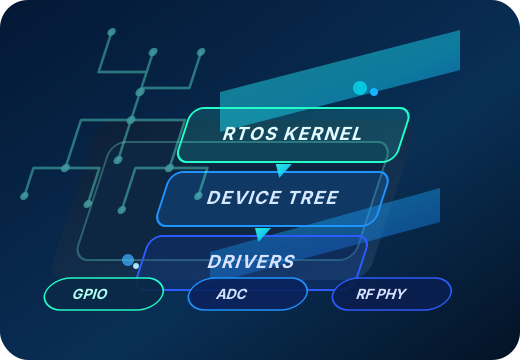
BridgeRTOS delivers hard real-time behavior with cycle-accurate scheduling and full control over CPU, memory, and interrupt resources. Manage drivers and tasks live from the console without rebooting.
Port your PetaLinux drivers effortlessly. BridgeRTOS mirrors the PetaLinux device-tree and driver probe model, enabling near drop-in reuse.
Describe the IP via device-tree nodes, provide a small init/probe/remove module, and the runtime auto-wires clocks, resets, IRQs, and MMIO from DT — no board-specific hardcoding.
Scale from one SoC to a cluster. Designate control boards that orchestrate targets over PCIe, USB, or Ethernet using a uniform control/data plane — no custom glue required.
At its heart, BridgeRTOS runs on a proven RTOS micro‑kernel, widely adopted across industrial, automotive, and aerospace systems. The kernel extends with deterministic scheduling, lock-free queues, and cycle-accurate timing to maintain real-time guarantees even under heavy I/O or multitasking loads.
Networking, USB, SD/MMC, remoteproc/rpmsg glue, and LTS updates (commercial).
Target Xilinx RFSoC platforms and Analog Devices RF transceivers/ADCs/DACs. Control flows via SPI/I²C/AXI-Lite while high-rate data uses JESD204B/C and AXI-Stream, with deterministic timing hooks and reusable PetaLinux drivers.
Reproducible builds, signed eval ELF, QEMU scripts, and board templates.
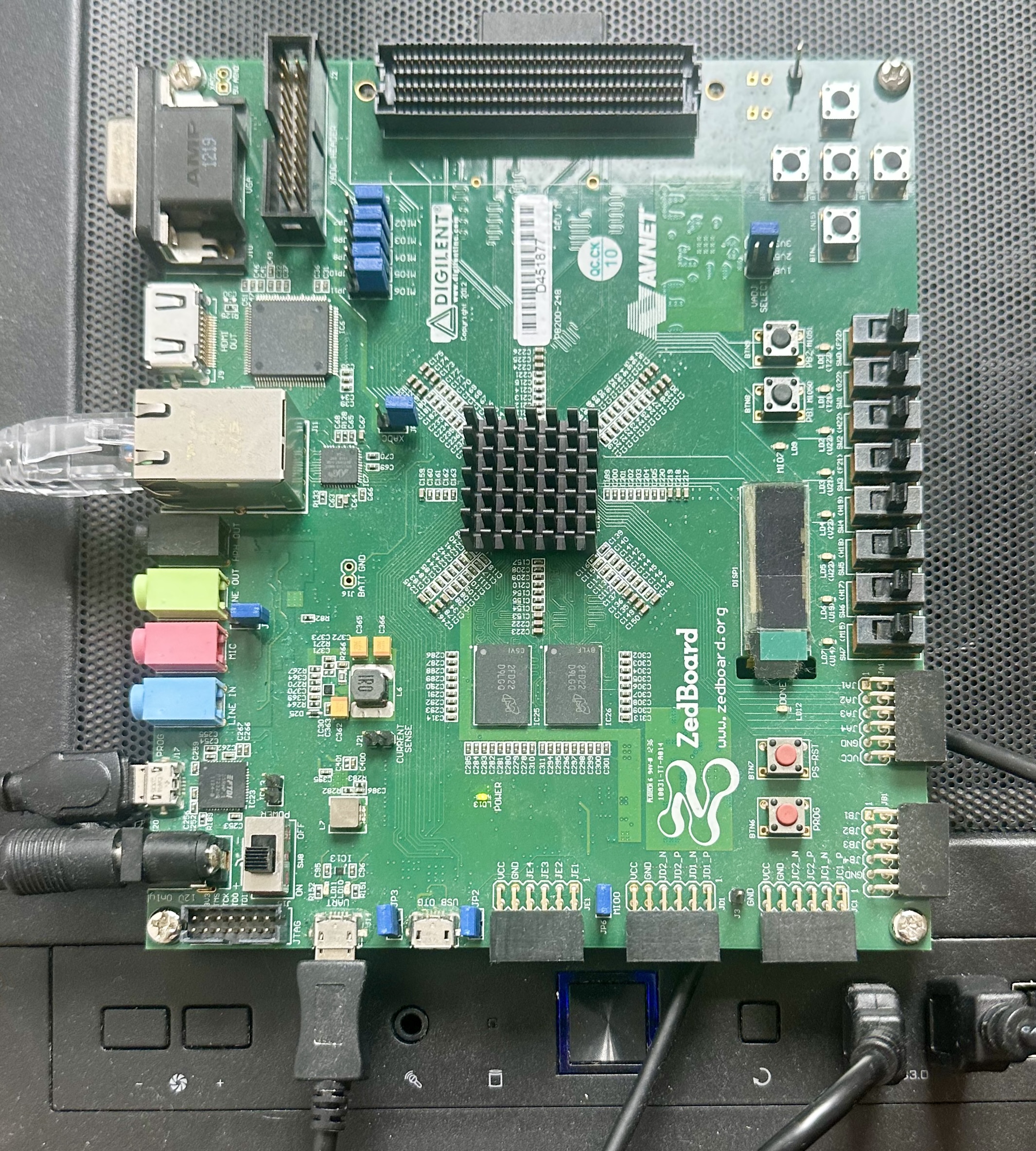 ZedBoard (Zynq‑7000)
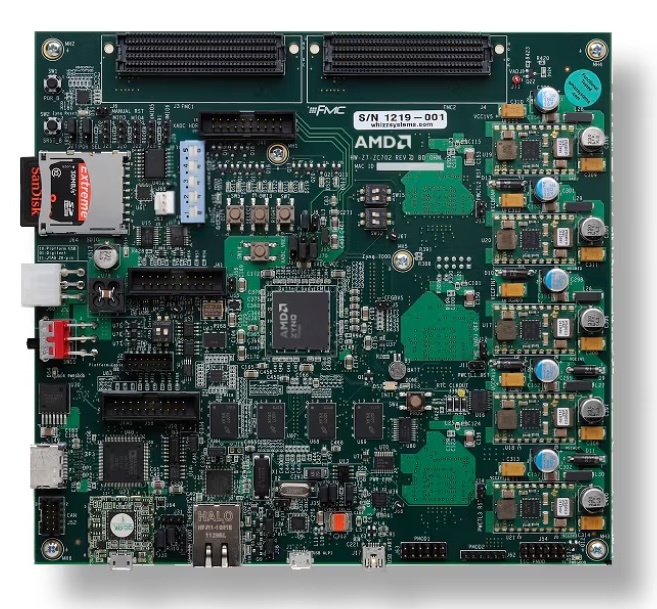 ZC702 / ZC706
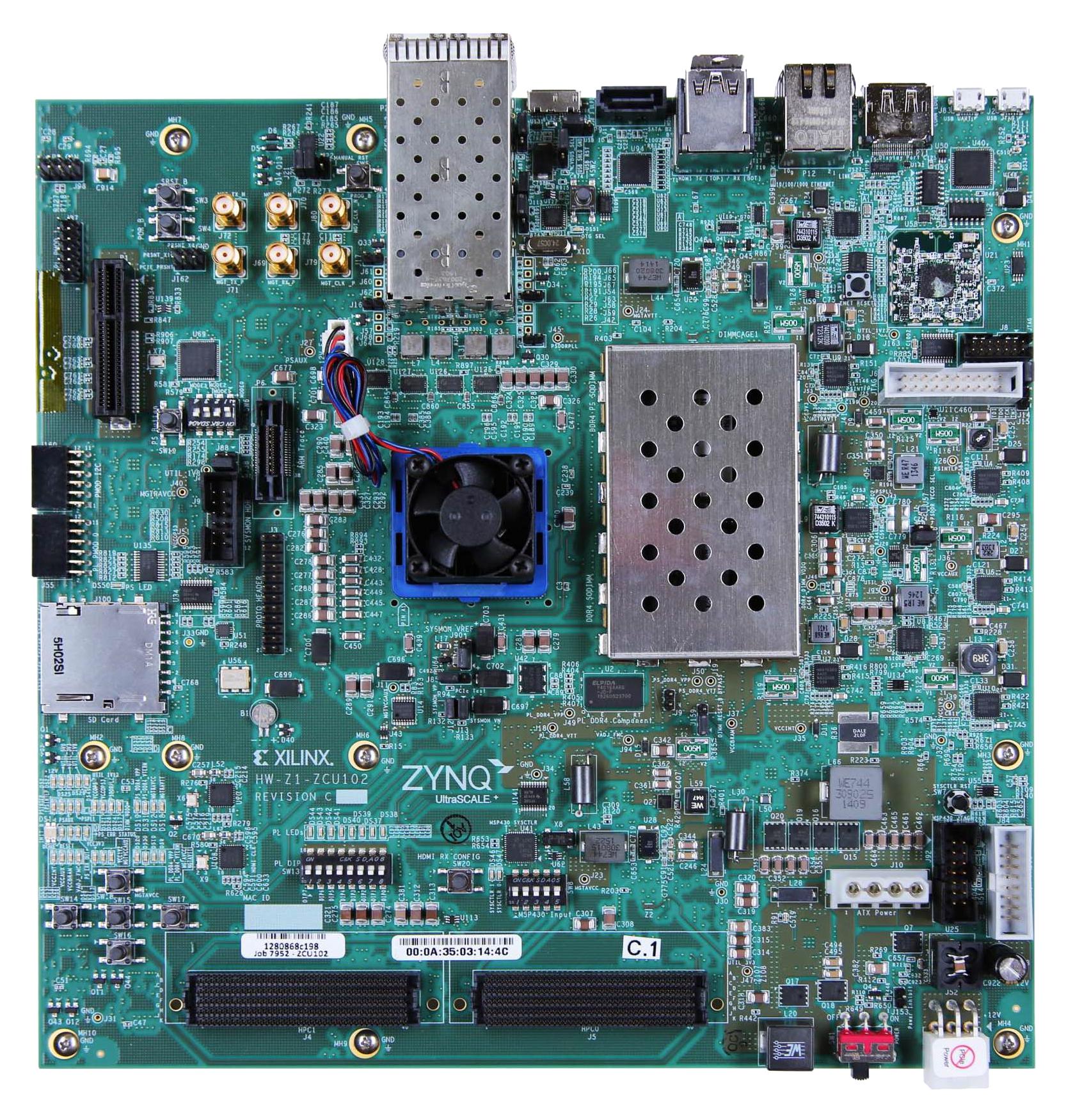 ZCU102 (ZU+)
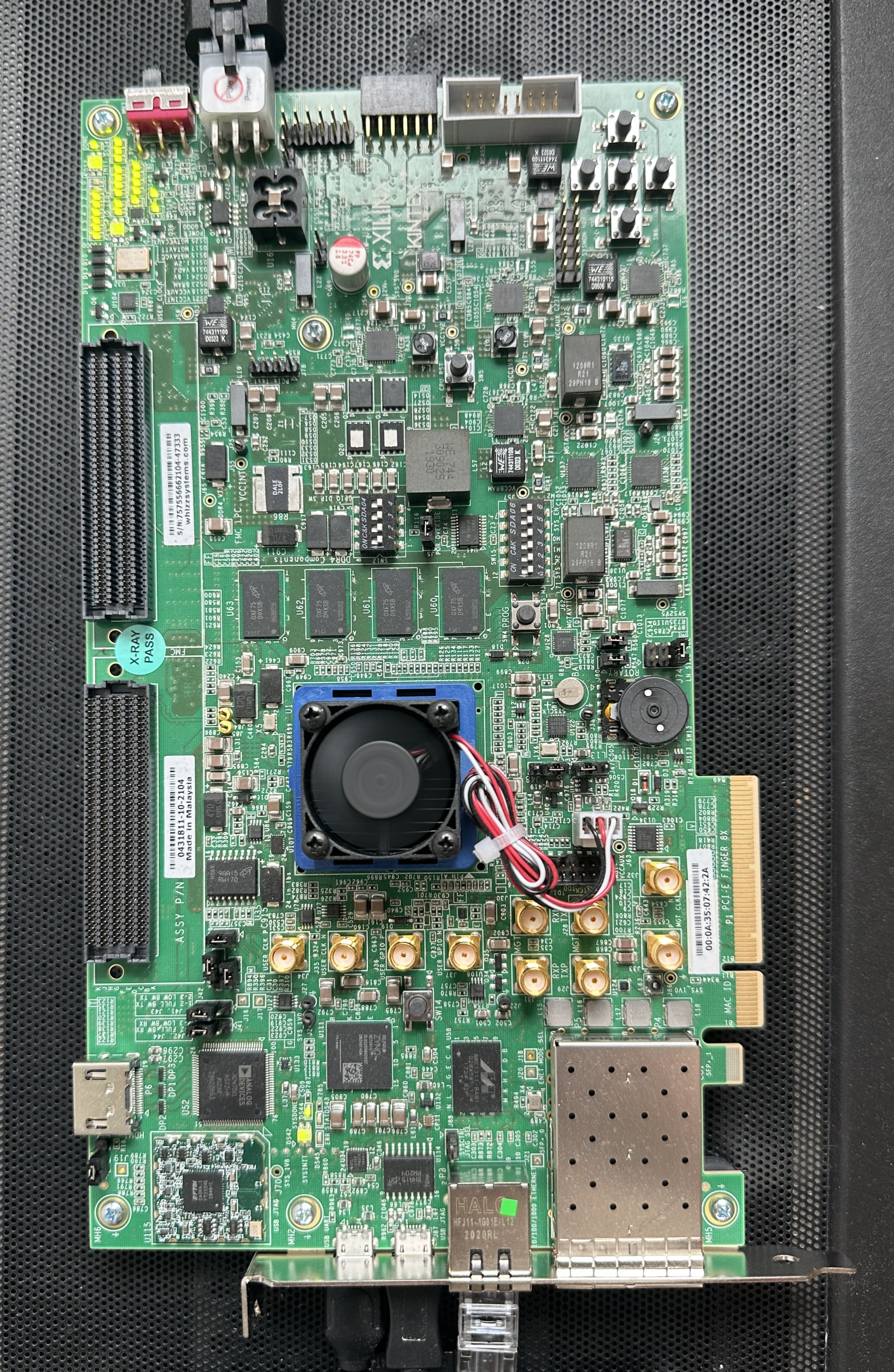 KC705 (MicroBlaze)
Want your board listed? Get in touch.
.dtb for your board.fatload; bootelf ${loadaddr}.Full guides for QEMU, AMP with Linux, and Pro features coming soon.
Click to request download access for your evaluation needs.
Email: [email protected]